User groups
A group is a special structure that allows you to combine multiple accounts of different types under a single UUID and name. Groups are used for access control: for each entity, a set of three groups is defined that implement different types of rights.
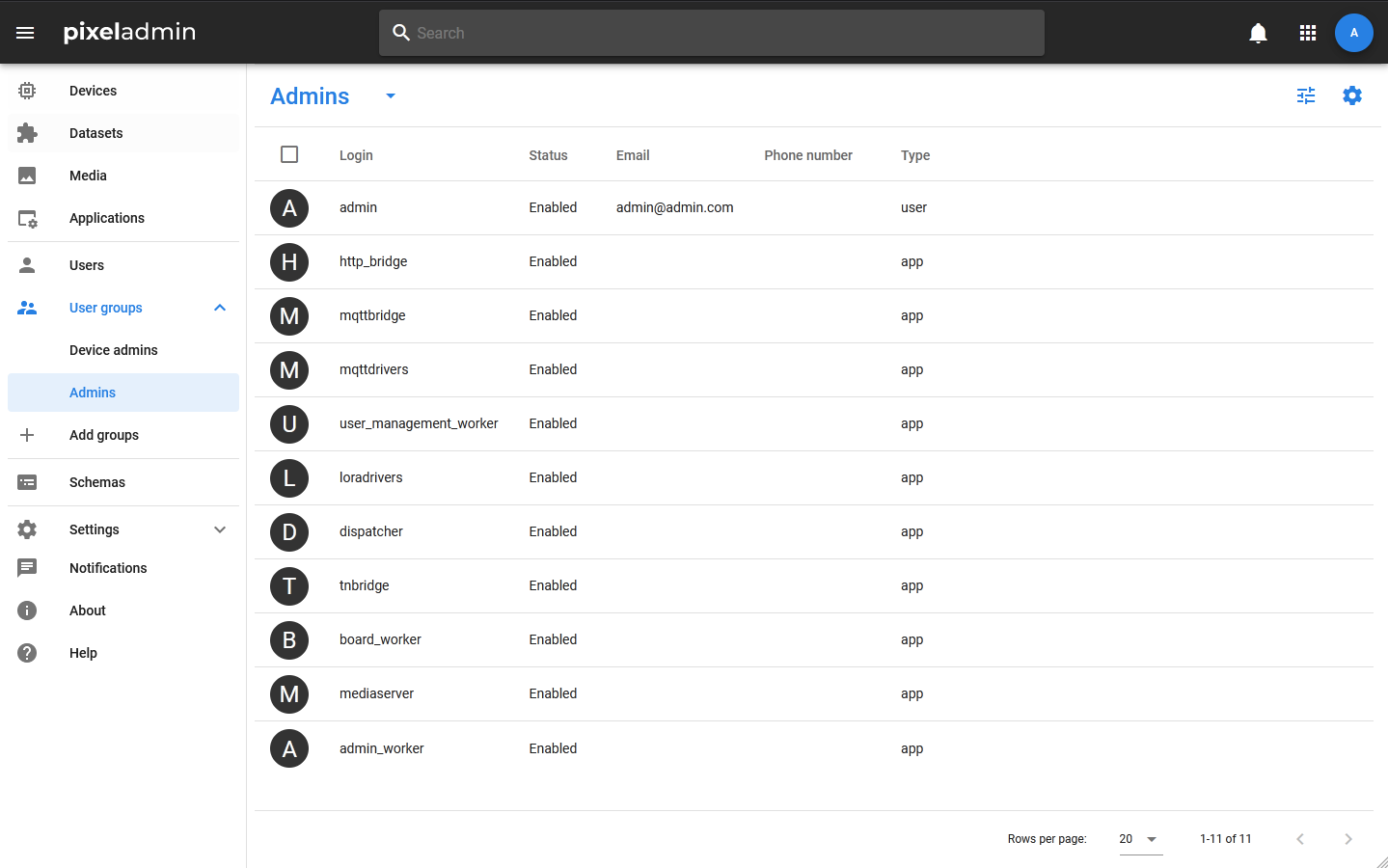
Viewing group information
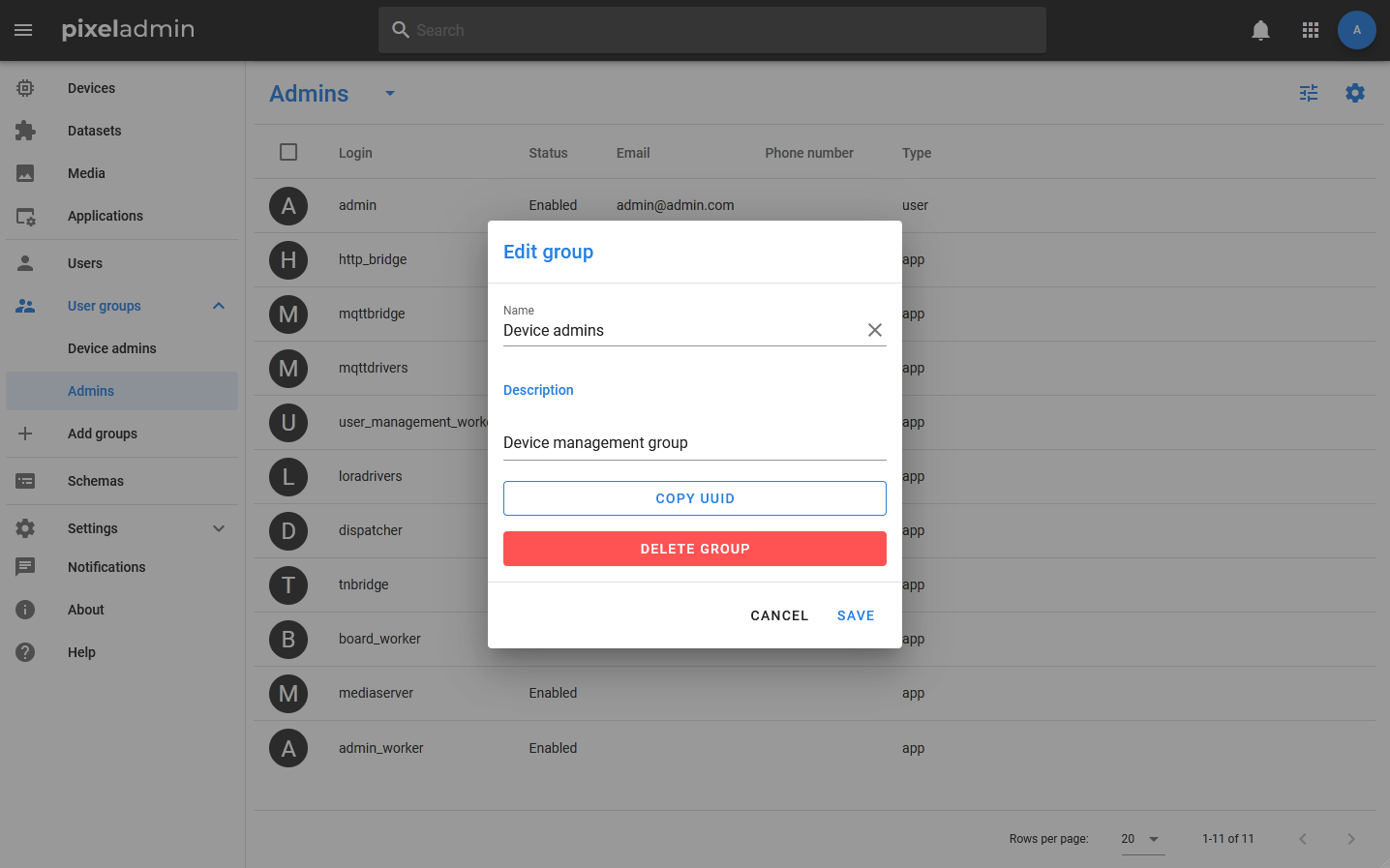
Groups are displayed in the menu, there are also controls for them: to add a new group, use the menu item + Add group, for editing, deleting and viewing information — action button in the menu bar. If the user does not have rights to edit the group, then clicking the action button will open an information window, if there is an edit window.
Adding user to a group
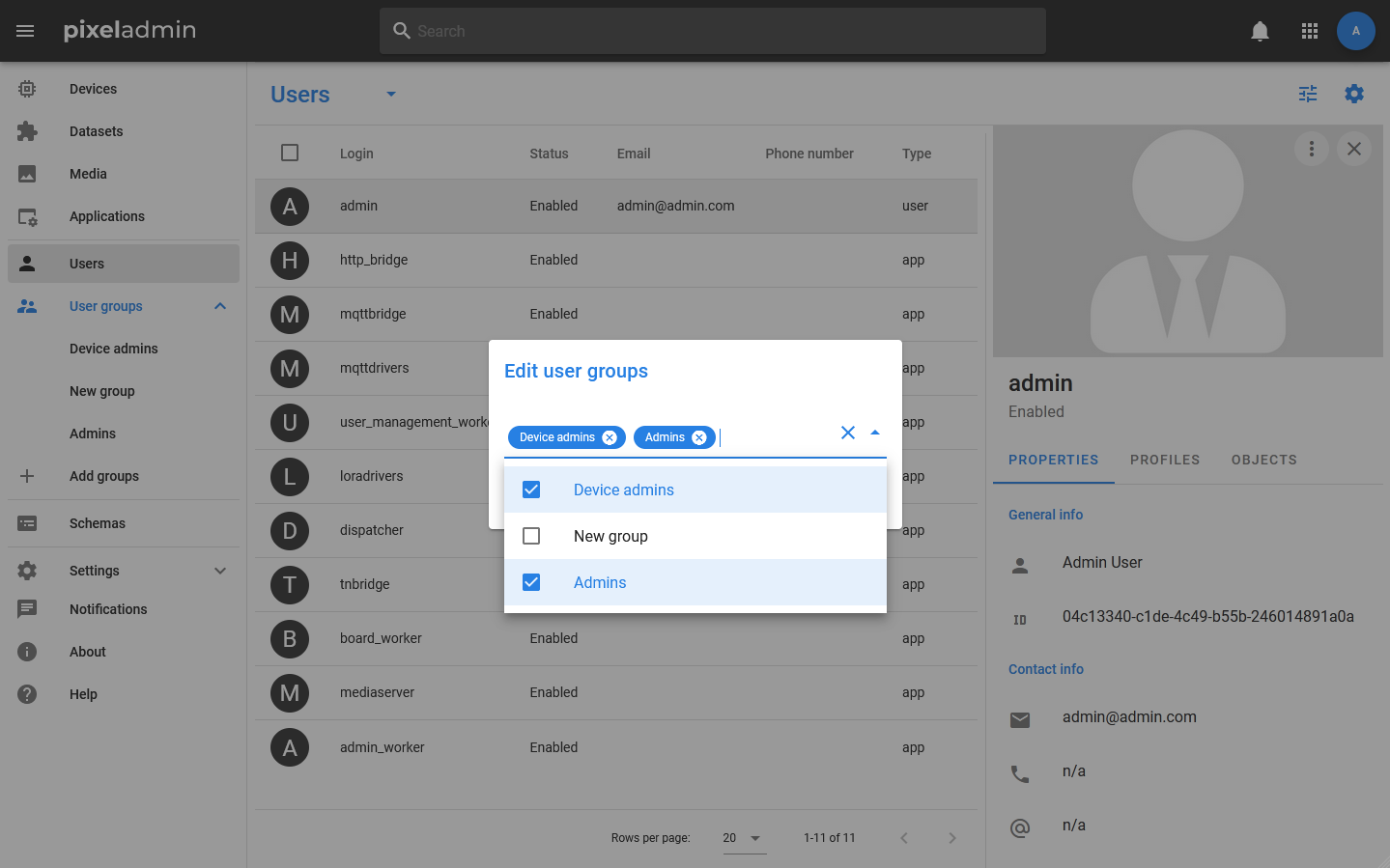
Both an existing account and a new one can be added to the group. To add an existing account, you need to find it in the Users section and select Change groups in its context menu. In the window that opens, you can either add new groups to the list of user groups, or remove some of the previously added ones.
To add a new account to a group, select the group in the menu and select Group_name in the table toolbar > Add new. After that, the standard dialog for adding an account will open.