Groups of objects
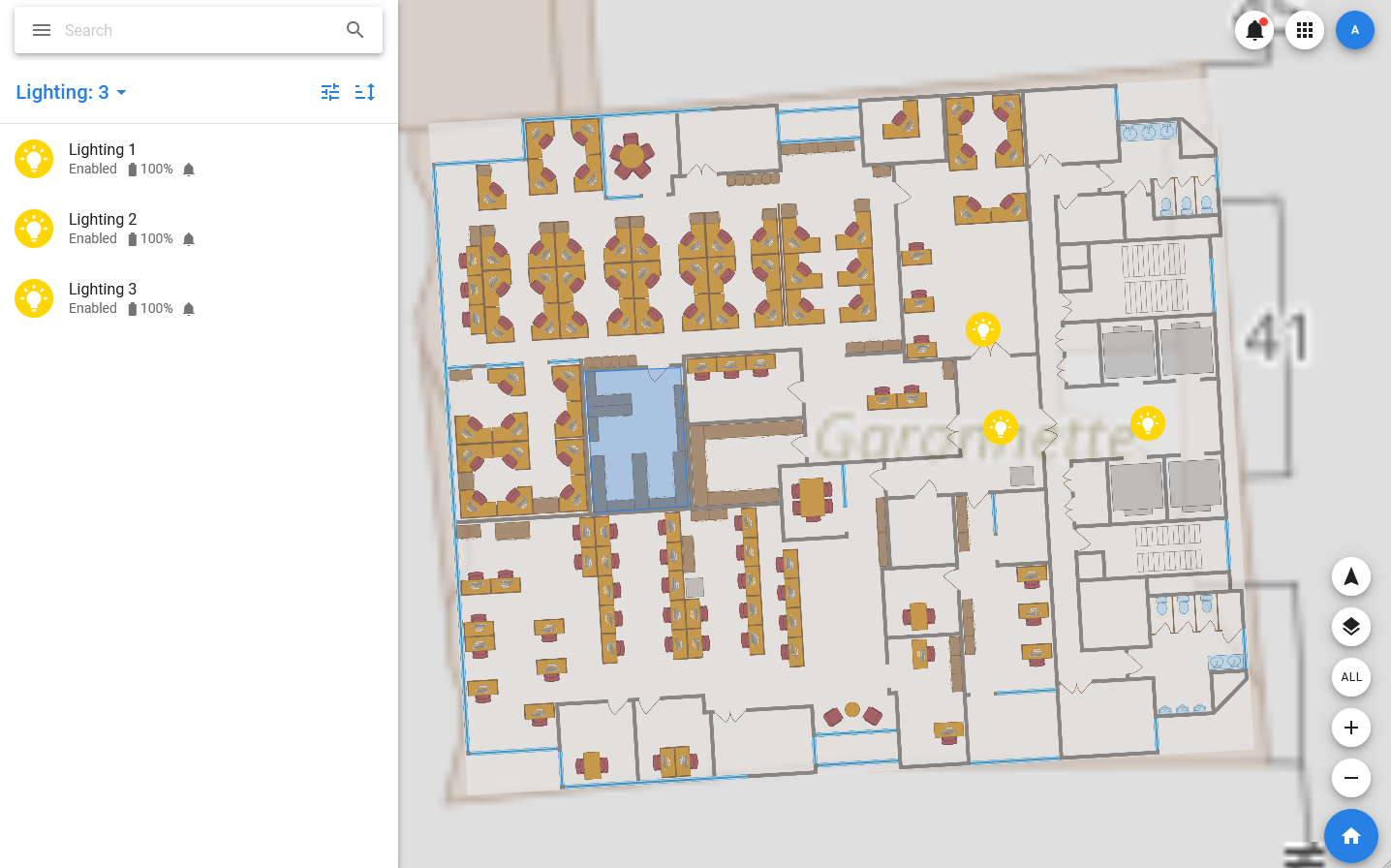
In PixelMonitor, there is such a thing as groups of objects: groups are displayed in the menu and when you select a group in the list and on the map, only those objects that are part of it are displayed. Also, a plan can be linked to the group, then it will be displayed when you select the group.
Actions with groups are not equivalent to group operations: deleting or changing a group does not affect the objects that are part of it in any way, groups only allow you to control the visibility of objects on the map and in the list.
To create a group, you need to:
- In the menu, expand Object groups and select + Add group.
- In the window that opens, specify the name of the group and, if necessary, select a plan.
- Click Add.
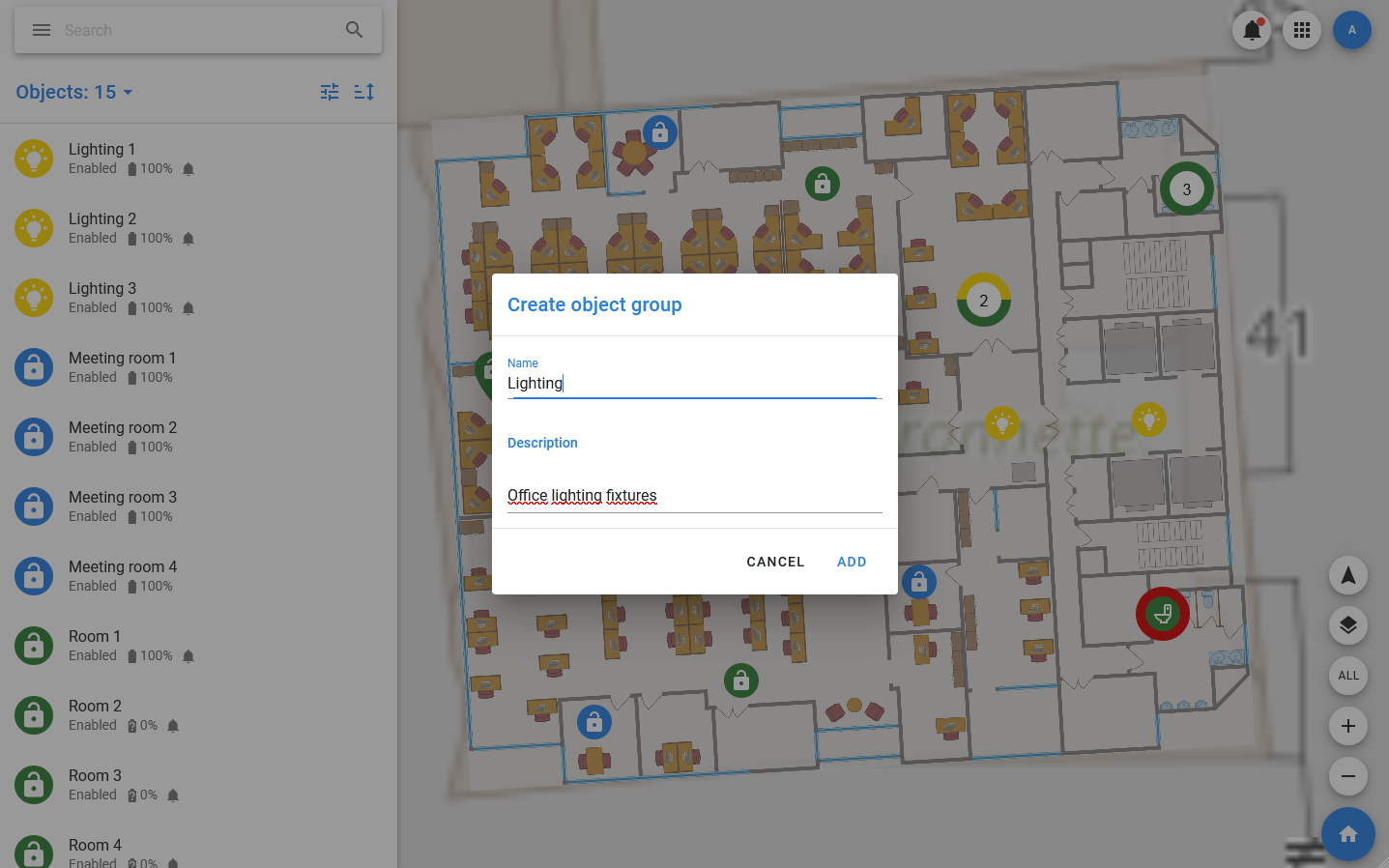
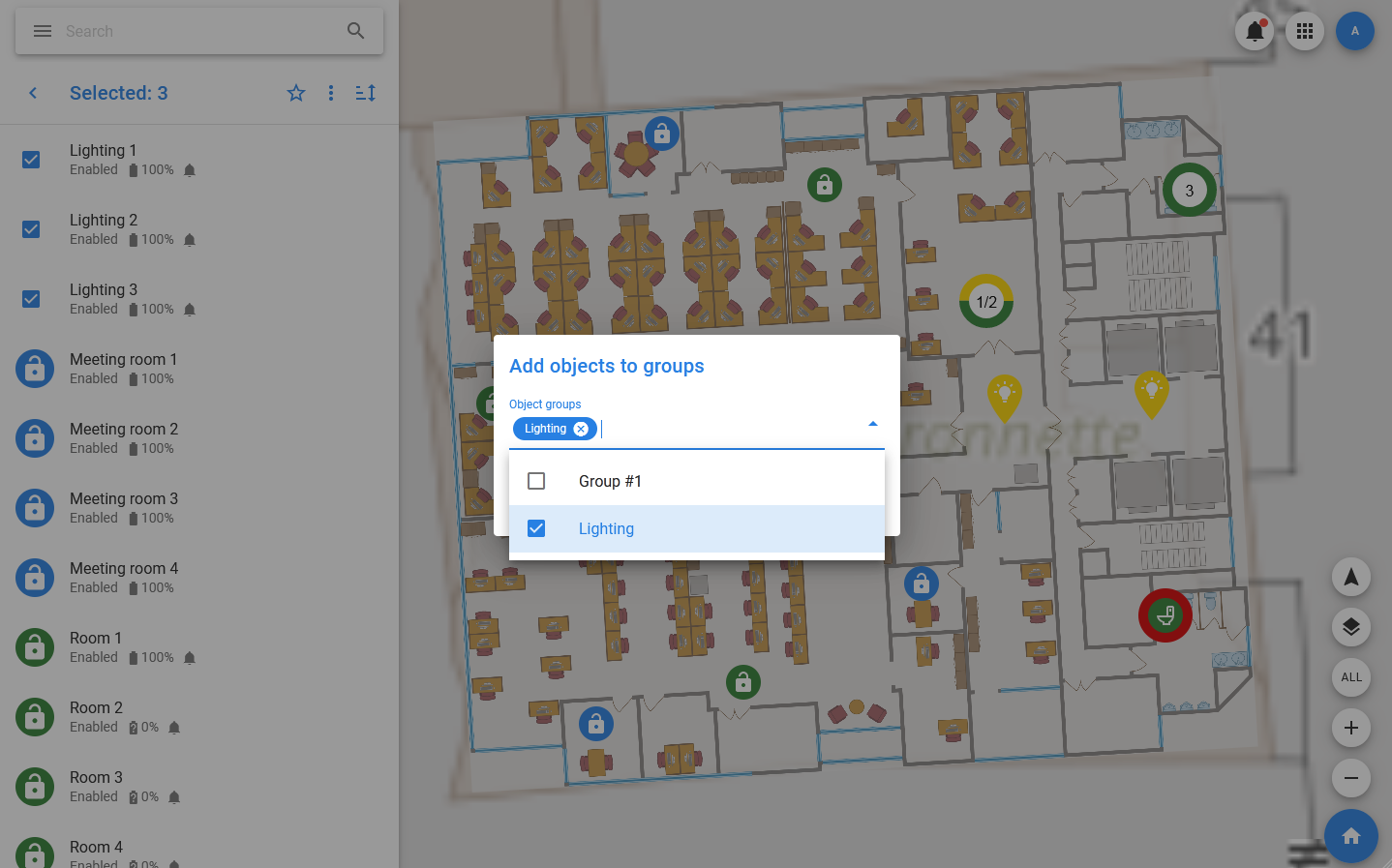
After the group is created, it will appear in the menu and open a list of its constituent objects (initially empty). To add an existing object to the group, find it in the list of objects and select Edit from the context menu. You can also use the context menu of the group selection to add it to a group.
In addition, you can add a new object to the group by selecting the group in the menu, and then in the toolbar of the list of objects, select groupname > Add new. This opens a window similar to the usual window for adding an object, but the current group is automatically added to the list of its groups.